
Turn your audio into a story video ready to share
Upload a recording, choose a background and subtitles, preview your edit, then export an MP4 in one Studio.
No credit card required • Get 50,000 credits when you sign up
Upload your files
Background
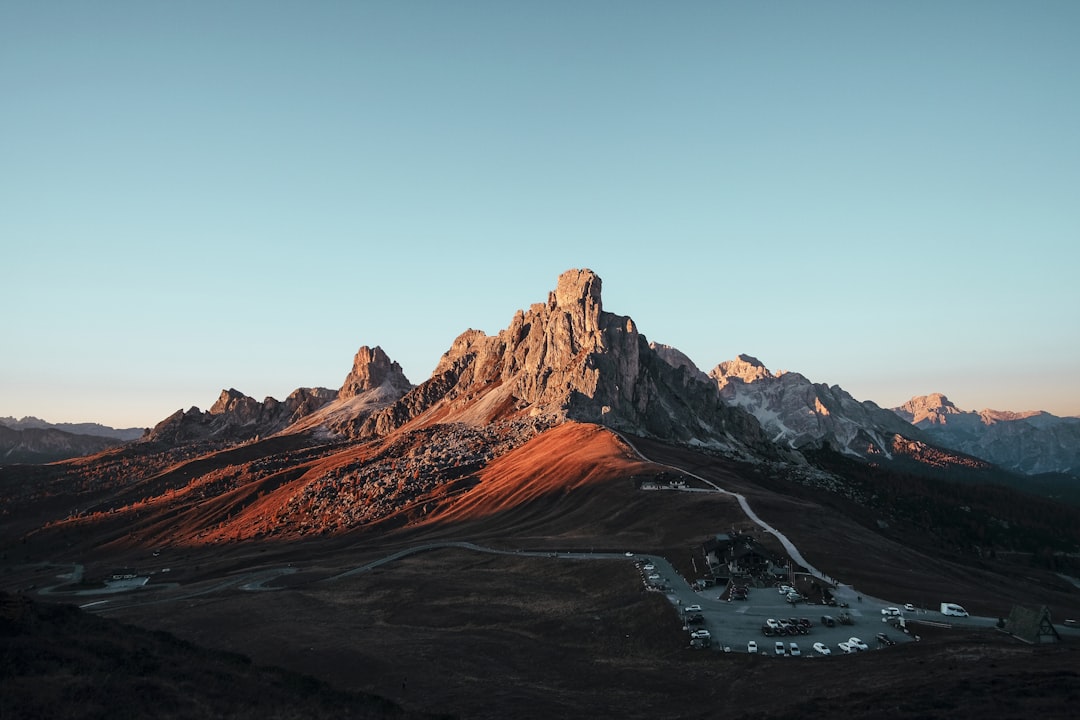
Sample mediaMountain View
Audio
Video style and template
Aspect ratio
Options
Preview
16:9Timeline

Export video
Sample video illustrates the interface
Even a short video takes several steps
A recording still needs visuals, subtitles, and the right export format before it becomes a video.
Juggle files across tools
Audio, subtitles, and backgrounds often sit in separate editing steps.
Reframe for every platform
Vertical, wide, and square videos need different layouts to stay readable.
Match speech to visuals
Subtitles, backgrounds, and audio effects need to work together in a preview.
Make a video from a recording in three steps
Keep your content, visual choices, and export in the same workflow.
Upload your audio
Start with an MP3 recording; add SRT subtitles or text when needed.
Choose visuals and text
Pick an image or video background, aspect ratio, subtitle style, and audio overlay.
Preview and export MP4
Review the layout in the Studio, then render and download your video.
Shape the visuals around your story
The main Video Maker controls sit beside the preview so you can review your choices in real time.
Image or video backgrounds
Use an available background or upload your own image or video for custom aesthetics.


Three aspect ratios
Preview vertical 9:16, wide 16:9, or square 1:1 layouts before exporting.
Subtitle styles and fonts
Add SRT or subtitle text, then choose stylish presets like Karaoke Yellow or Neon Cyan.
Audio spectrum overlay
Choose an animated overlay that moves dynamically with your voice recording.
Fewer disconnected steps to finish a video
Compare assembling each part yourself with the controls available in the Studio.
YupVox AI Service Pricing
Flexible credits, no surprise fees. Upgrade or cancel anytime.
Free
FreeLite
LiteStarter
StarterGrowth
Pro
EnterpriseHow Much Content Can You Create With 1 Plan?
All Yupvox tools share a unified credit balance. You can freely allocate credits across TTS, Audio, and Video dubbing.
Text to Speech (TTS)
99,000 credits = ~99,000 characters (~16,500 words, ~25 book pages or ~2 hours of narration).
Audio Dubbing
99,000 credits = ~33 minutes of multi-speaker AI audio translation & expressive voice dubbing.
Video Dubbing & Sub
99,000 credits = ~16.5 minutes of AI video dubbing, subtitle masking & 4K MP4 re-rendering.
| Plan | Credits / Cycle | Text to Speech | Audio Dubbing | Video Dubbing |
|---|---|---|---|---|
| Free ($0) | 50,000 | 50,000 characters (~1h) | ~16.6 minutes | ~8.3 minutes |
| Lite ($1.0 / $2) | 99,000 / month | 99,000 characters (~2h) | ~33 minutes | ~16.5 minutes |
| Starter ($4.5 / $9) | 999,000 / month | 1,000,000 characters (~20h) | ~333 minutes (about 5.5h) | ~166.5 minutes (about 2.7h) |
| Growth ($9.5 / $19) ⭐ | 2,499,000 / month | 2,500,000 characters (~50h) | ~833 minutes (about 13.8h) | ~416.5 minutes (about 6.9h) |
| Pro ($14.5 / $29) | 3,999,000 / month | 4,000,000 characters (~80h) | ~1,333 minutes (about 22.2h) | ~666.5 minutes (about 11.1h) |
Frequently asked questions
What do I need to make a video?
Start with an audio file. You can add SRT subtitles or subtitle text, then choose an image or video background.
Which aspect ratios are available?
The Studio offers vertical 9:16, wide 16:9, and square 1:1 layouts.
Can I use my own background?
Yes. Choose an available image or video in the Studio, or upload your own background file.
What do I get after rendering?
You can preview and download an MP4 after rendering finishes. Credit usage depends on video duration.
Ready to turn your recording into a video?
Upload audio, add a background and subtitles, then preview your MP4.