YupVox vs Google Cloud Text-to-Speech: Which TTS Platform Is Better?
 Yupvox
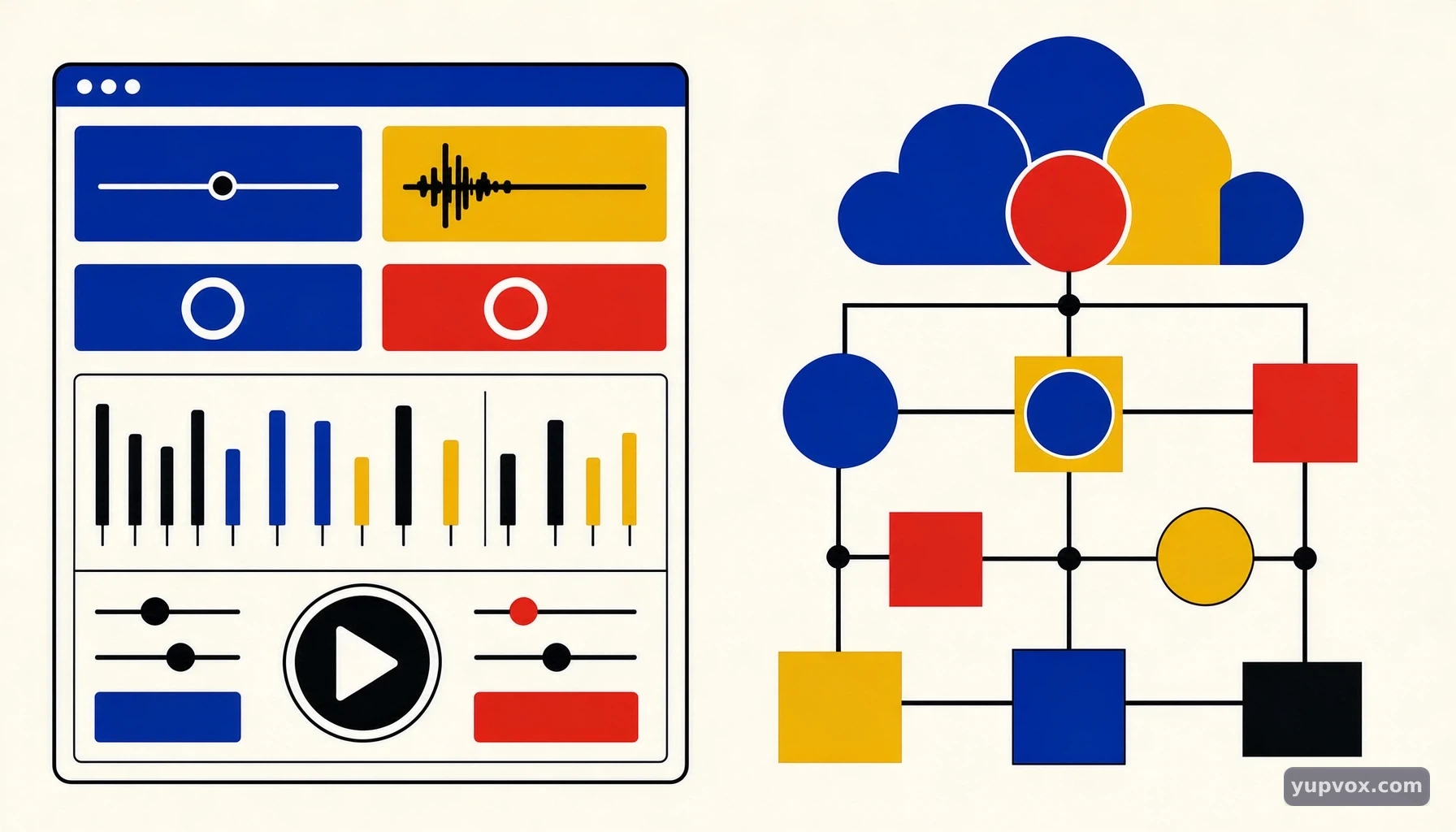
YupVox vs Google Cloud Text-to-Speech: Which TTS Platform Is Better?
When evaluating synthetic media workflows, choosing between an end-to-end web production environment like YupVox and an enterprise-grade developer API like Google Cloud Text-to-Speech depends heavily on whether you need a ready-to-use creative dashboard or raw programmatic infrastructure, as explored further in YupVox vs Google Text-to-Speech: Which TTS Solution Is Right for You?. Both systems excel at converting written scripts into lifelike voice output, yet they target entirely different users, technical capabilities, and production environments, similar to how other platforms stack up in comparative evaluations like YupVox vs Amazon Polly: AI Text-to-Speech Compared.
 YupVox vs Google Cloud Text-to-Speech: Which TTS Platform Is Better? - Core Architectural Differences and Platform Foundations
Core Architectural Differences and Platform Foundations
Understanding the underlying structural design of each platform helps clarify why they serve such distinct segments of the digital creation and software engineering markets. While one is built for immediate visual editing in a web browser, the other operates as a cloud-based infrastructure service designed to be embedded within custom backend applications.
Browser-Based Accessibility Versus Programmatic Cloud APIs
YupVox is structured as an all-in-one, browser-based audio production suite and text-to-speech platform. It removes the need for local software installations or coding knowledge, allowing creators to paste text, choose voices, and export finalized audio or video files directly from a visual graphical user interface. This architecture is purpose-built for rapid turnaround times in content creation, where speed and visual alignment take precedence over backend API integrations, much like what you would find when reviewing YupVox vs NaturalReader: Which Text-to-Speech Platform Is Better in 2026?.
In contrast, Google Cloud Text-to-Speech is an API-first service requiring software engineering expertise. Developers must provision a cloud project, generate authentication credentials, and write application code in languages like Python or Node.js to communicate with remote API endpoints. The system receives plain text or Speech Synthesis Markup Language (SSML) and returns Base64-encoded audio payloads, making it ideal for scalable apps, interactive voice response systems, and automated enterprise software workflows.
Voice Library Sizes and Multi-Provider Ecosystems
The scope of available voices varies significantly between the two solutions. YupVox aggregates an extensive range of AI voice models, offering thousands of options across over one hundred languages. By drawing on leading synthetic voice providers, it gives users broad stylistic variety within a single interface, making it simple to find narration styles that fit specific video moods or localization requirements.
Google Cloud Text-to-Speech provides a curated library of hundreds of voices across dozens of languages. Its catalog ranges from legacy models like Standard, WaveNet, and Neural2 to advanced neural architectures like Chirp 3 HD and Gemini-TTS variants. While its selection is more tightly controlled through Google's proprietary infrastructure, it offers predictable audio rendering and precise technical controls over pronunciation and prosody via SSML parameters.
Localization and Video Dubbing Capabilities
For digital creators dealing with international audiences, managing translated content efficiently is critical. YupVox includes built-in video translation tools that extract speech, punctuate scripts, translate them into target languages, synthesize time-aligned voiceovers, and re-render sharp MP4 files. It also supports subtitle-to-audio workflows using standard SRT files for frame-by-frame synchronization.
Google Cloud Text-to-Speech focuses purely on raw audio synthesis rather than end-to-end video editing or file re-rendering. While it supports multilingual voice models and polyglot variations capable of handling mixed-language inputs, developers must build or integrate separate video editing pipelines, subtitle parsers, and alignment tools if they want to achieve complete video dubbing workflows.
Technical Specifications and Platform Capabilities
Comparing technical specifications side by side clarifies how each platform handles input processing, output formats, and auxiliary features. The table below outlines key functional differences between YupVox and Google Cloud Text-to-Speech.
| Feature Category | YupVox Production Suite | Google Cloud Text-to-Speech |
|---|---|---|
| Primary User Base | Content creators, marketers, educators, and localization teams | Software engineers, application architects, and developers |
| Interface Type | Browser-based, no-code/low-code graphical dashboard | Programmable cloud REST/gRPC API service |
| Voice Library Scope | 3,000+ to 4,000+ voices across 100+ languages | ~380+ voices across 60+ languages and variants |
| Advanced Audio Tools | 22 free browser utilities (vocal removal, enhancement, trimming) | N/A (Pure synthesis API; requires separate audio editing tools) |
| Video & Subtitle Handling | Built-in SRT subtitle sync, Translate Video, and MP4 re-rendering | N/A (Text and SSML input only; returns raw audio payloads) |
| Voice Cloning | Custom voice cloning from 10 seconds of source audio | Instant Custom Voice models available for enterprise scaling |
| Input Processing | Direct text paste, document upload, or video file import | Programmatic text strings or SSML markup payloads |
Audio Utility Integration and Post-Production
Beyond text-to-speech conversion, post-production often requires cleaning up background noise, balancing loudness levels, or removing unwanted vocal tracks. YupVox addresses this by bundling an extensive audio utility suite directly into its web application. Users can access over twenty specialized browser tools, including vocal removers, audio enhancers, trimmers, and silence removers, eliminating the need to jump between separate digital audio workstations.
Google Cloud Text-to-Speech treats audio processing strictly as a generation step. Once the API returns an audio payload in WAV, MP3, or OGG format, any downstream mixing, mastering, equalization, or noise reduction must be handled by external audio libraries or dedicated software packages within the developer's pipeline.
Custom Voice Cloning and Model Training
Personalization is a major requirement for modern brand storytelling and digital avatar creation. YupVox offers rapid custom voice cloning that can generate a digital replica of a speaker's voice using as little as ten seconds of clean audio input. This allows creators to maintain consistent narration across projects without spending hours in a recording booth.
Google Cloud Text-to-Speech offers specialized options such as Instant Custom Voice, which allows organizations to build unique branded voices trained on proprietary audio datasets. However, setting up these models involves structured enterprise configurations, data compliance checks, and adherence to Google's specialized cloud deployment guidelines rather than instant consumer-facing cloning.
Step-by-Step Practical Workflows and Implementation
Implementing a synthetic voice workflow requires different steps depending on whether you are working inside a creative browser suite or integrating an enterprise API into a software stack.
Executing a Production Workflow in YupVox
Creating a professional voiceover or dubbed video file using YupVox follows a streamlined, code-free path designed for fast execution:
- Access the Dashboard: Log into the browser-based YupVox platform where all production tools are housed within a unified graphical interface.
- Select the Input Method: Choose whether to paste a written script, upload an existing document, submit an SRT subtitle file for synchronized dubbing, or upload a video file for translation.
- Choose Voice and Language: Browse the extensive library of thousands of AI voices, filtering by language, accent, gender, or emotional tone to match your project requirements.
- Fine-Tune Parameters: Adjust speaking rate, pitch, and pauses using visual sliders within the GUI to get the exact cadence you want.
- Process and Export: Render the project to generate downloadable high-quality audio files or fully re-rendered MP4 video files with synchronized dubbing.
Integrating the Google Cloud TTS API in Software Applications
Deploying Google Cloud Text-to-Speech requires a programmatic approach managed through backend code and cloud administration consoles:
- Cloud Project Configuration: Create a project in the Google Cloud Console and enable the Text-to-Speech API service.
- Credential Management: Generate and securely store service account credentials (JSON key files) to authenticate API requests from your application server.
- Drafting Requests: Write backend code in Python, Node.js, or another supported language to construct API requests containing your text strings or SSML markup.
- Handling Payloads: Send the request to the endpoint and receive the Base64-encoded audio response, decoding it into standard audio file formats for your app's users.
Managing Script Formatting and SSML Controls
Both platforms give users granular control over how text is pronounced, though they handle the mechanics differently. YupVox utilizes intuitive visual controls that let you insert pauses, emphasize specific words, or alter pacing directly within the text editor without needing to write code.
Google Cloud Text-to-Speech relies heavily on SSML tags to control speech attributes. Developers can wrap text tags around specific sections to adjust speaking rates, insert precise break durations, alter pitch, or dictate phoneme pronunciations. While powerful for programmatic automation, this requires developers to write and validate XML-like syntax carefully to avoid formatting errors during API calls.
Pro Tips, Common Pitfalls, and Real-World Examples
Achieving professional results with AI voice generation requires an understanding of common pitfalls and best practices for script preparation and audio rendering.
Optimizing Punctuation and Pacing for Natural Delivery
A common mistake when generating synthetic speech is treating written text the same way you treat spoken conversation. AI voice models rely heavily on punctuation cues to determine where to breathe, pause, and drop intonation. Adding commas, periods, and em-dashes helps break up run-on sentences and prevents the synthesized voice from sounding robotic or rushed.
When working on complex localization projects, reviewing the translated script before synthesis is essential. Automated translation engines often alter sentence lengths, which can cause timing mismatches in video dubbing. Using tools that support frame-by-frame subtitle synchronization helps ensure that translated audio tracks align naturally with visual cues on screen.
Avoiding Artifacts and Controlling Pronunciation
Pronunciation errors can disrupt listener engagement, particularly with acronyms, technical terminology, or foreign names. Developers using cloud APIs often rely on SSML phoneme tags to spell out tricky words phonetically. In creator-focused environments, previewing individual sentences and swapping out voices or adjusting pronunciation dictionaries helps resolve these issues quickly.
According to workflows observed in digital content production, creators who test multiple voice models for a single script often achieve better audience retention. Different emotional tones and voice textures resonate differently depending on whether the content is an upbeat social media clip, an educational tutorial, or a formal corporate presentation.
Balancing File Formats and Compression
Audio delivery requirements vary depending on the destination platform. Social media platforms like TikTok and YouTube have specific encoding standards for audio and video uploads. Exporting uncompressed WAV files during initial editing and rendering final compressed MP3 or MP4 outputs ensures maximum fidelity throughout the production pipeline while keeping file sizes manageable for web distribution.
Choosing the Right TTS Solution for Your Specific Situation
Selecting the most appropriate synthetic speech platform depends entirely on your operational goals, technical resources, and day-to-day production requirements.
Best Solutions for Content Creators and Marketers
If your primary objective is producing engaging YouTube videos, managing TikTok channels, recording podcast intros, or localizing digital courses, an end-to-end web suite is the most efficient choice. Creators who prefer working without code benefit greatly from browser dashboards that combine thousands of voices, instant voice cloning, and integrated video translation tools into a single workflow. For example, platforms like YupVox enable rapid turnaround times from raw script to finished MP4 without requiring external audio editors or developer resources.
Ideal Scenarios for Software Engineers and Enterprise Teams
When the goal is building scalable software features—such as adding automated voice assistants to mobile apps, building interactive voice response phone trees, or generating dynamic accessibility read-outs for web applications—a programmable API is required. Engineering teams benefit from the robust infrastructure, predictable uptime, and granular SSML control offered by enterprise cloud services like Google Cloud Text-to-Speech.
Evaluating Workflow Constraints and Long-Term Scalability
Before committing to a platform, evaluate your team's core competencies. If your organization lacks dedicated software developers but requires heavy daily video production, choosing a no-code visual suite eliminates technical bottlenecks. Conversely, if your product roadmap relies on real-time, server-side audio generation embedded directly inside proprietary software, an API-first cloud infrastructure provides the necessary scalability and programmatic flexibility.
FAQ
What is the main difference between YupVox and Google Cloud Text-to-Speech?
The primary difference lies in their target audience and architecture. YupVox is an all-in-one, browser-based audio production suite designed for content creators, marketers, and educators who need a no-code interface with thousands of voices, voice cloning, and video translation tools. Google Cloud Text-to-Speech is an API-first cloud service built for software developers who need to integrate programmatic voice generation into custom applications and backend workflows.
Can I use Google Cloud Text-to-Speech for video dubbing and subtitle synchronization?
Google Cloud Text-to-Speech focuses purely on raw audio synthesis from text or SSML inputs. It does not provide built-in video editing, file re-rendering, or frame-by-frame SRT subtitle synchronization tools. Creators who need to translate and dub video files typically rely on dedicated creator platforms like YupVox, which handle speech extraction, translation, synthesis, and MP4 re-rendering directly within the browser dashboard.
How do voice libraries compare between YupVox and Google Cloud TTS?
YupVox aggregates a massive collection of 3,000 to 4,000+ AI voices across over 100 languages by drawing on leading synthetic voice providers. Google Cloud Text-to-Speech offers a curated selection of approximately 380+ voices across 60+ languages, categorized into legacy models like WaveNet and Neural2, alongside advanced options such as Chirp 3 HD and Gemini-TTS variants designed for enterprise deployments.
Which platform is better suited for non-technical users and video editors?
Non-technical users, YouTubers, marketers, and video editors will find YupVox much easier to use due to its visual, browser-based interface. It requires zero coding knowledge and provides instant access to audio utilities, voice cloning, and subtitle tools, allowing creators to produce polished voiceovers and localized videos in minutes without managing API keys or server infrastructure.
Want to generate AI voices or dub your video?
Experience 500+ human-like voices for free with next-gen VieNeu & OmniVoice engines.
Frequently Asked Questions
Quick answers to common questions about this topic
Yupvox
Senior AI Audio Engineering Consultant
Expert in generative audio synthesis and synthetic media workflows with over a decade of experience in digital content production and AI voice modeling.
Related Articles
Explore more guides and insights on AI audio
 General
YupVox vs Amazon Polly: AI Text-to-Speech Compared
 General
YupVox vs ReadSpeaker: AI Text-to-Speech Platform Comparison
 General