
Turn any article into a motion graphics video from a single link
Paste a news, blog, product or GitHub link. The AI writes the script, builds the scenes with pro templates, adds a voiceover and your branding, ready for TikTok, Reels and YouTube Shorts.
No credit card required • 50,000 free credits on signup
Why turning articles into videos takes so long
You already have the content, yet every video means writing, editing, recording and posting from scratch.
Scripting eats your morning
Read the article, pull out the points, split scenes, write a voiceover that fits 60 seconds. Hours go by before any editing starts.
Motion graphics need skills
Kinetic titles, charts, diagrams and smooth transitions call for After Effects or a skilled editor on every video.
Posting daily is hard to keep up
News never stops, but making the video, adding your logo, writing captions and posting to each channel keeps you a step behind.
From link to video in four steps
The AI does the heavy lifting; you stay in control at every step.
Paste an article link
News, blogs, product pages, websites or a GitHub project. Or paste the text.
AI writes the script
Key points split into scenes with numbers, images from the page and a voiceover that fits your length.
Pick a look and edit
Choose a template, a voice and your branding. Edit words, images and narration with a live preview.
Render and post
Get a crisp MP4 with a caption and hashtags. Post straight to your connected channels.
30 video looks for every kind of content
News, tech, explainers, products and brand intros. Every clip below was rendered with the template itself.
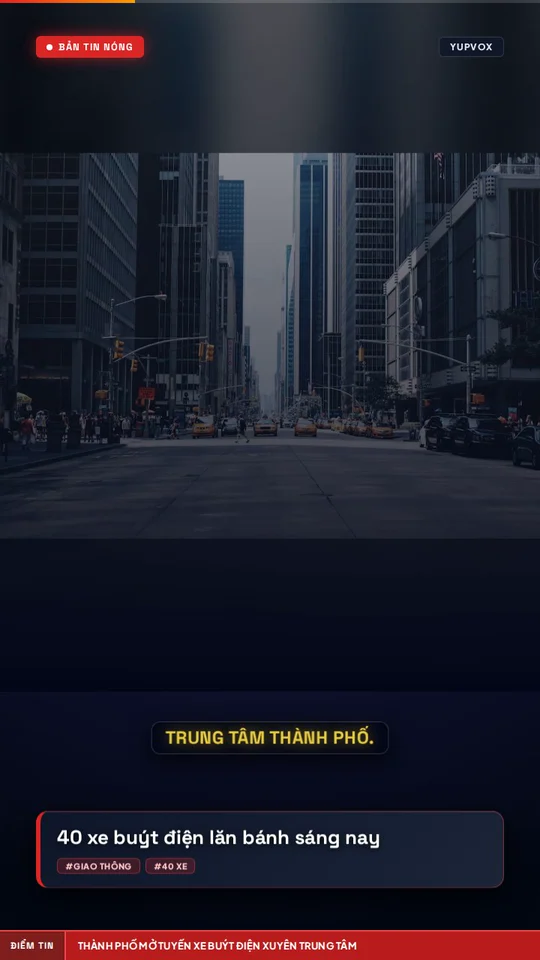
TV bulletin
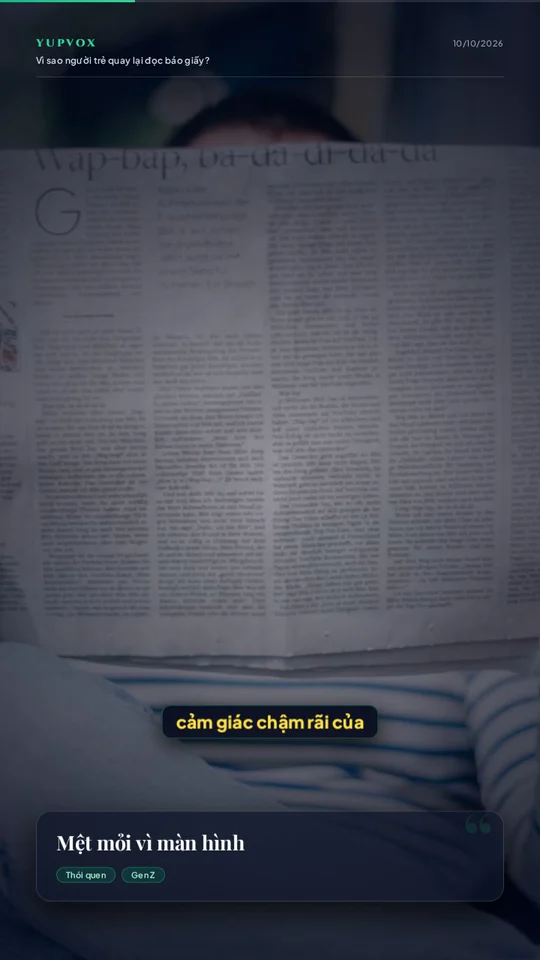
Magazine
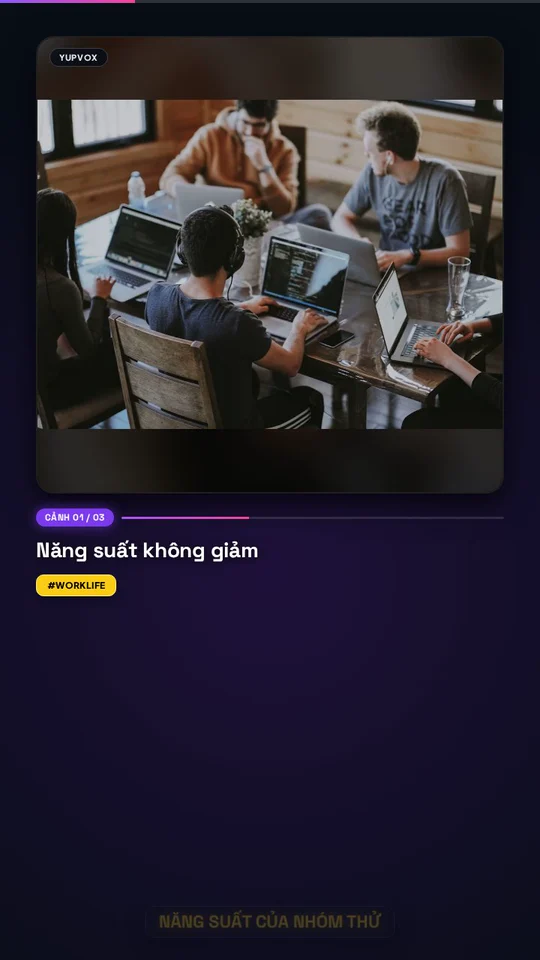
Social
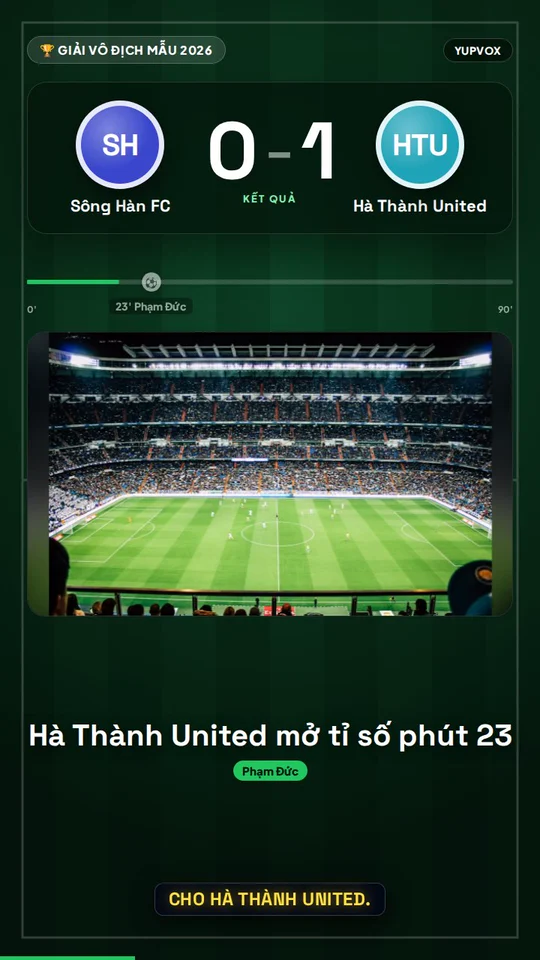
Football · Match result

Football · Transfer
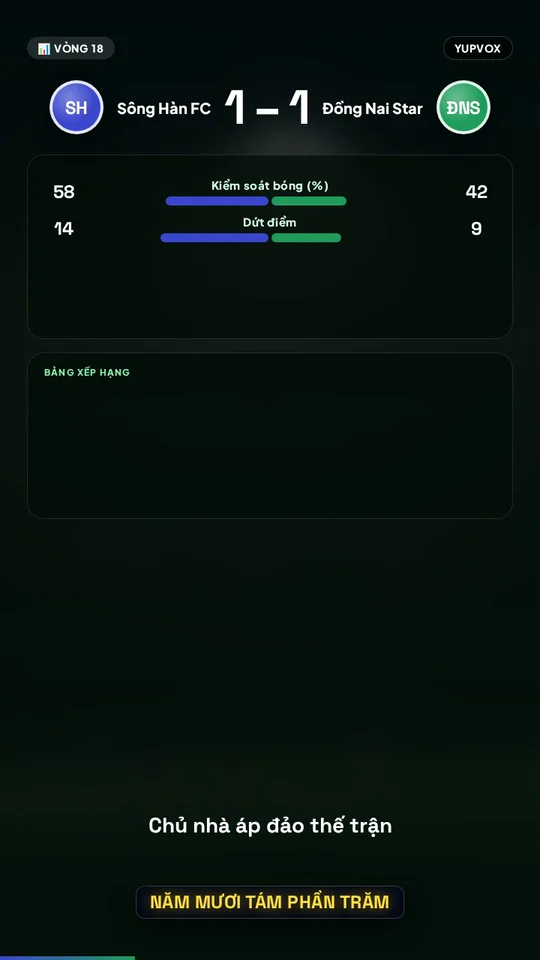
Football · Stats

Real estate · Project

Real estate · Market
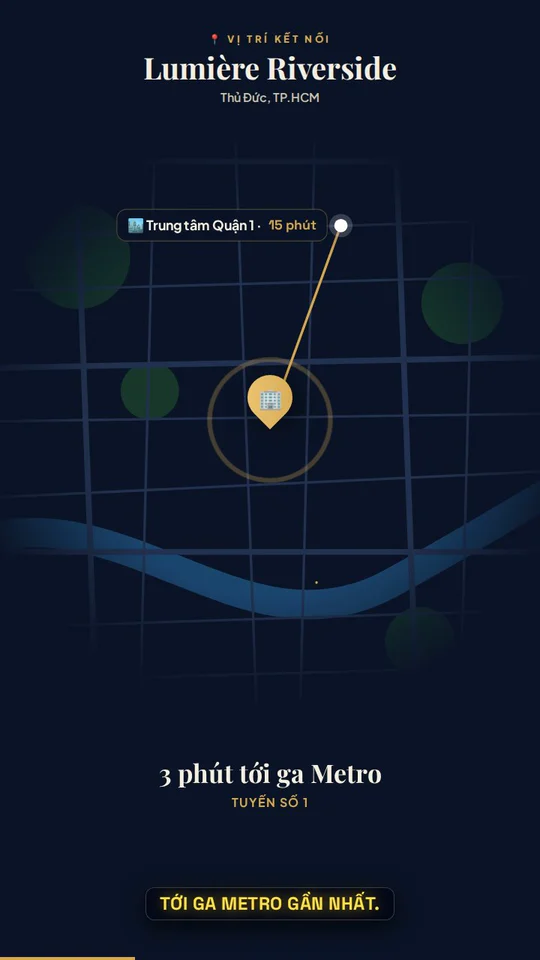
Real estate · Location
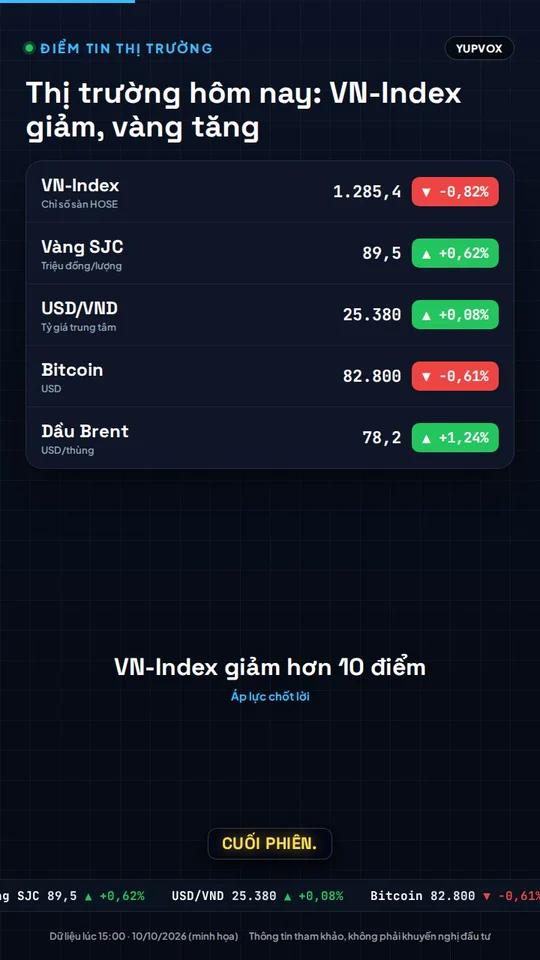
Finance · Market wrap
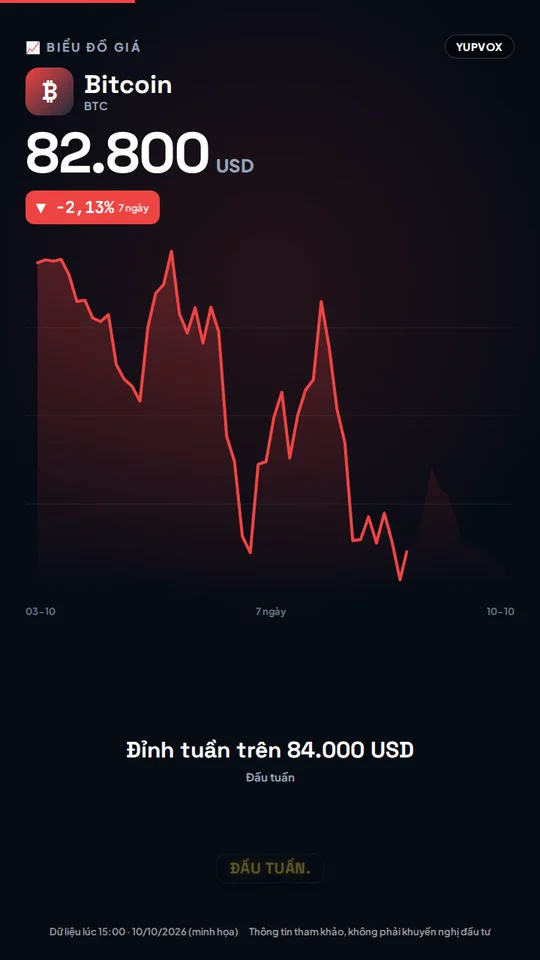
Finance · Price chart
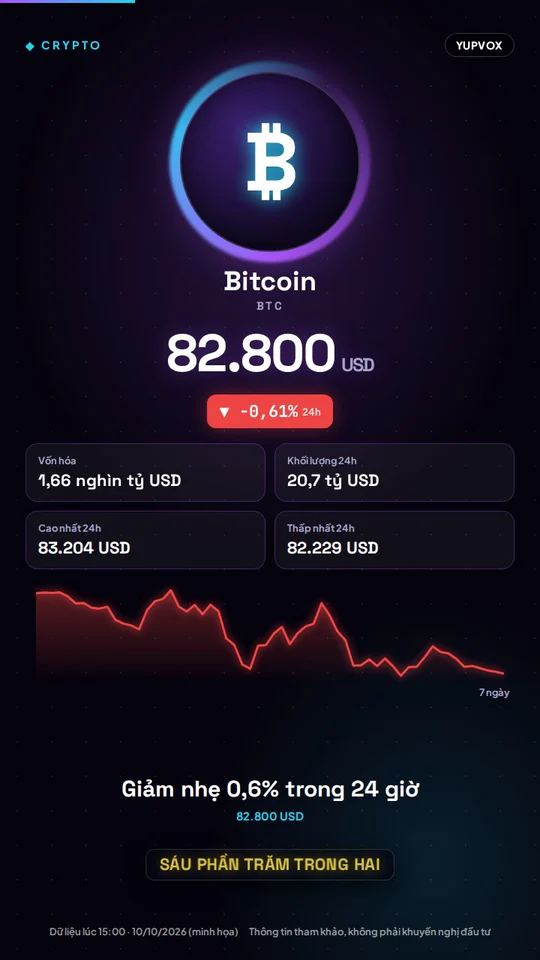
Finance · Crypto spotlight
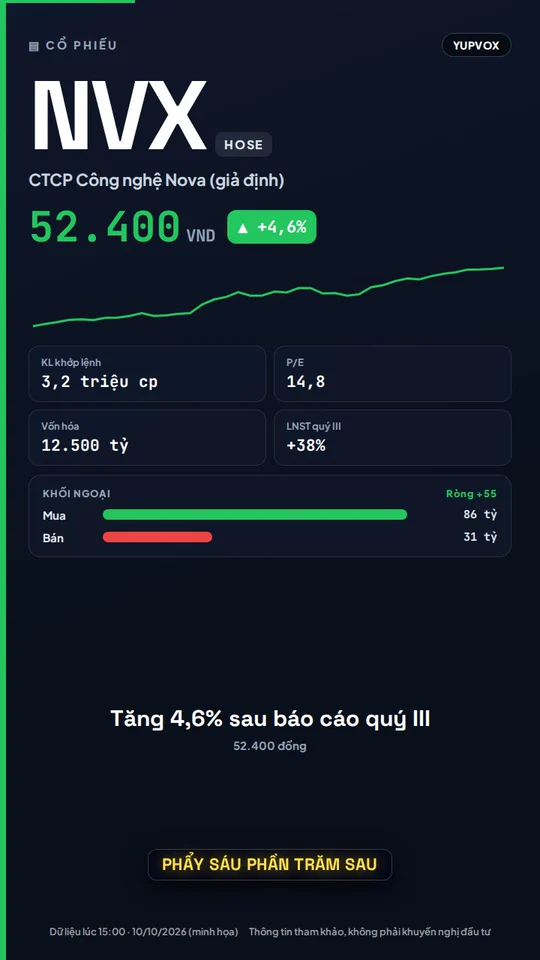
Finance · Stock spotlight
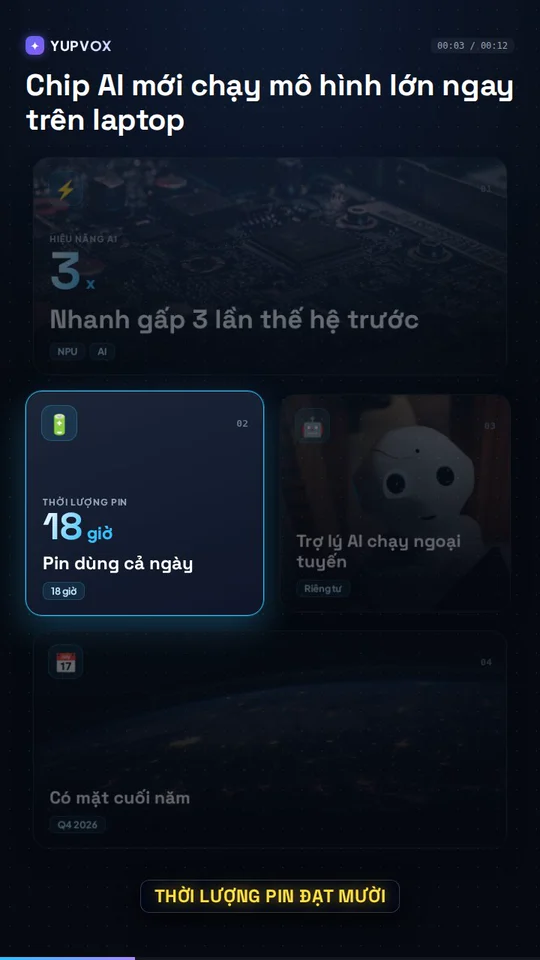
Bento
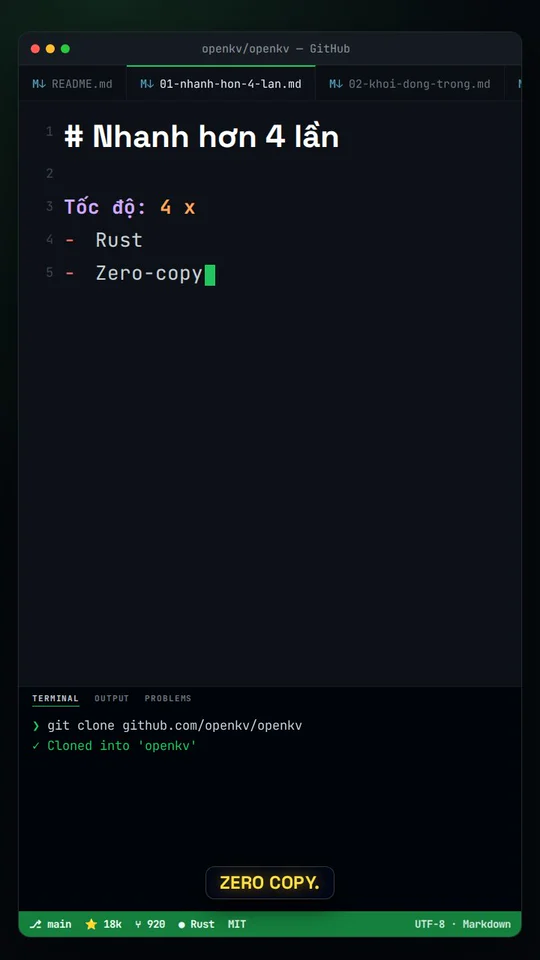
Code editor

Specs & compare
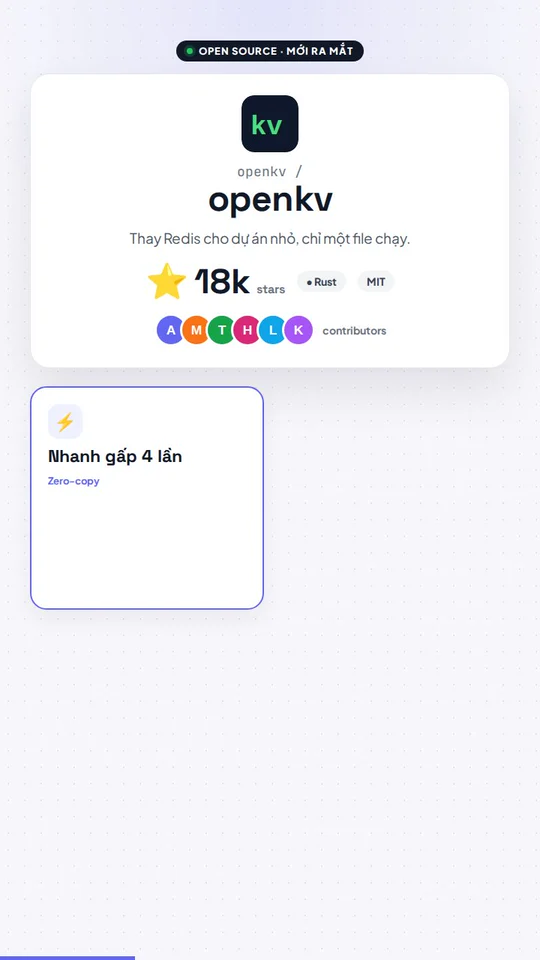
GitHub launch

Explainer

Blueprint

Sci-fi HUD
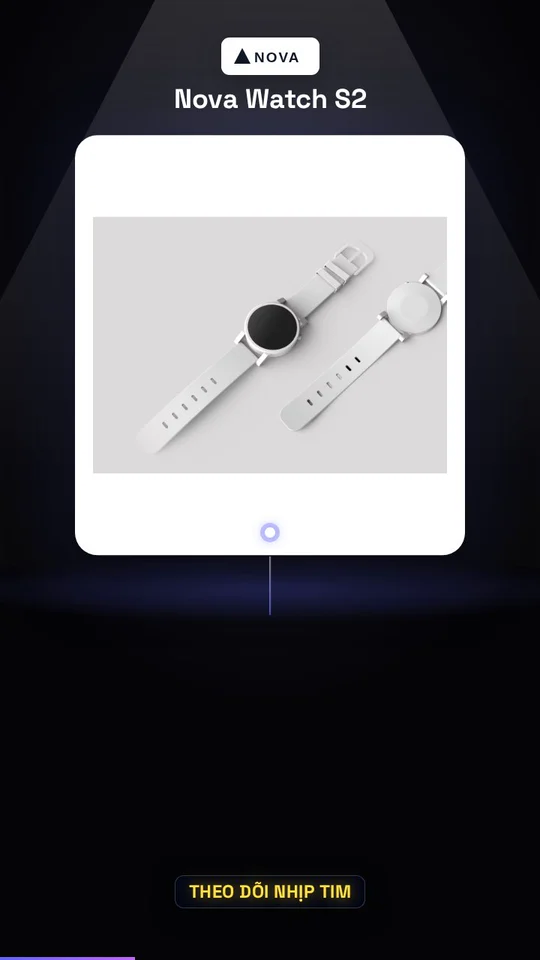
Spotlight
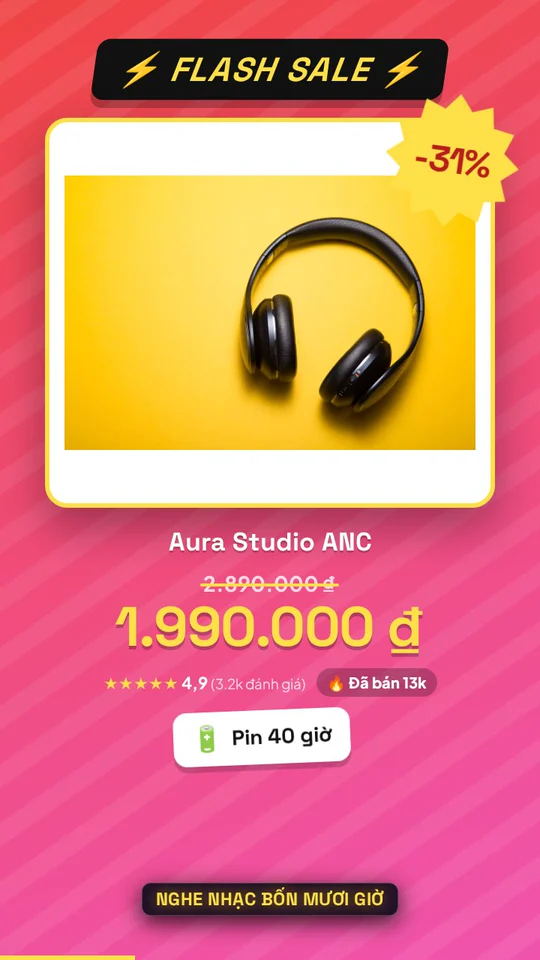
Flash sale

Lookbook

Customer reviews

Compare / before-after
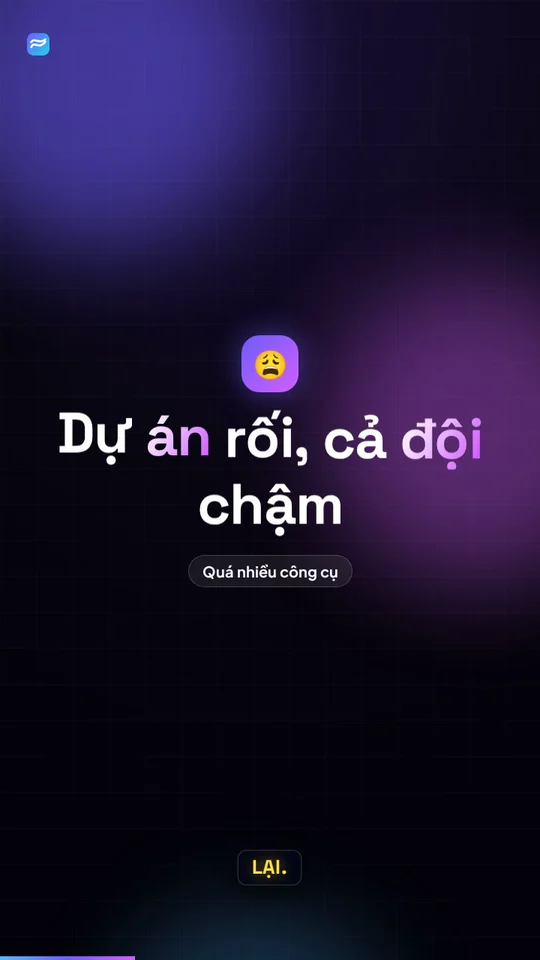
Kinetic type

UI tour

Logo reveal
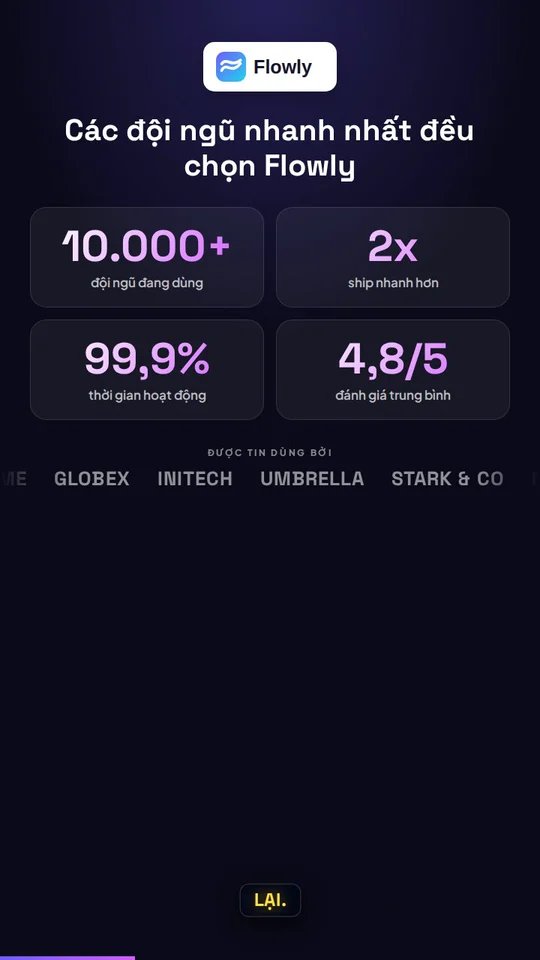
Social proof

Feature launch
Everything a finished video needs
Script, visuals, voice and branding in one place.
A scene-by-scene AI script
The AI picks the right scene for each point: numbers become charts, processes become diagrams, comparisons become two columns.
Automatic website screenshots
For product and brand pages it captures the full page, and each scene pans to a different part of it.
AI voices in many languages
Choose the video language and voice. An article in one language can become a video in another.
Your branding
Logo, intro, end screen with a call to action, TikTok-style captions and source credit. Save once, reuse everywhere.
Edit everything before rendering
Edit the headline, each scene, the images and the template’s fixed words. Drafts save themselves for later.
Vertical, wide or square
Export 9:16 for TikTok, Reels and Shorts, 16:9 for YouTube, 1:1 for Facebook. From 30 to 120 seconds.
A new video every day, hands-free
Pick a source, the looks, your branding and a schedule once. It takes each new story, makes the video and posts it to your channels, or sends it to you for approval first.
- Never repeats a story and rotates looks between days
- Its own branding for each series
- Auto-post or review first
News & blogs (RSS)
TechCrunch, The Verge or any RSS feed
GitHub
Spotlight trending open-source projects
Crypto
Daily price and market updates
One video, eight channels, one click
Choose connected channels and publish your video across social feeds and communities in one step.
Select channels to publish
Choose where the video appears
Publish time
Plan your video releases by week or month
Schedule ahead, see the whole plan in Calendar, and publish videos at the times you choose.
Viral Plan — Publishing plan & calendar
Auto-SchedulerIllustrative data for a multi-channel video calendar
Publishing plan
Calendar preview
Day 12
youtubeDay 14
instagramPlan ahead, publish on time
What gets easier with Article to Video?
YupVox AI Service Pricing
Flexible credits, no surprise fees. Upgrade or cancel anytime.
Free
FreeLite
LiteStarter
StarterGrowth
Pro
EnterpriseHow Much Content Can You Create With 1 Plan?
All Yupvox tools share a unified credit balance. You can freely allocate credits across TTS, Audio, and Video dubbing.
Text to Speech (TTS)
99,000 credits = ~99,000 characters (~16,500 words, ~25 book pages or ~2 hours of narration).
Audio Dubbing
99,000 credits = ~33 minutes of multi-speaker AI audio translation & expressive voice dubbing.
Video Dubbing & Sub
99,000 credits = ~16.5 minutes of AI video dubbing, subtitle masking & 4K MP4 re-rendering.
| Plan | Credits / Cycle | Text to Speech | Audio Dubbing | Video Dubbing |
|---|---|---|---|---|
| Free ($0) | 50,000 | 50,000 characters (~1h) | ~16.6 minutes | ~8.3 minutes |
| Lite ($1.0 / $2) | 99,000 / month | 99,000 characters (~2h) | ~33 minutes | ~16.5 minutes |
| Starter ($4.5 / $9) | 999,000 / month | 1,000,000 characters (~20h) | ~333 minutes (about 5.5h) | ~166.5 minutes (about 2.7h) |
| Growth ($9.5 / $19) ⭐ | 2,499,000 / month | 2,500,000 characters (~50h) | ~833 minutes (about 13.8h) | ~416.5 minutes (about 6.9h) |
| Pro ($14.5 / $29) | 3,999,000 / month | 4,000,000 characters (~80h) | ~1,333 minutes (about 22.2h) | ~666.5 minutes (about 11.1h) |
Common questions about Article to Video
Your next article deserves to be watched
Sign up for 50,000 free credits, enough for two 60-second videos. No credit card required.